If you manage a WordPress site, your robots.txt file is one of the simplest technical SEO controls you can touch, but it is also one of the easiest to misuse. A WordPress robots.txt file tells crawlers which URLs or paths they should request, and which they should avoid. That sounds straightforward, but the important limit is this: it controls crawling guidance, not guaranteed indexing, not security, and not access control.
For most sites, WordPress robots.txt matters when you want to reduce wasteful crawling on low-value URLs such as internal search results, some parameter-heavy paths, or duplicate feed endpoints. It matters less if you expect it to hide pages, remove them from Google, or protect sensitive content. Those are different jobs and need different controls.
What WordPress robots.txt actually does
A WordPress robots.txt file is a plain-text file placed at your site's root that gives instructions to web crawlers. In practical terms, it says, “for this crawler, avoid these paths” or “this path is allowed.” Search engines request it before or during crawling so they can decide where to spend crawl activity.
The key idea is that robots.txt is a crawl management file, not an indexing switch. Google has said this distinction for years in its Search Central documentation: blocking a URL in robots.txt can prevent crawling, but it does not always prevent indexing if Google discovers that URL from links or other sources. In other words, a blocked URL may still appear in search results as a URL-only result or with limited information.
That distinction matters for WordPress because site owners often use robots.txt for the wrong reason. If your goal is to stop search engines from crawling internal search pages like / ?s=keyword, robots.txt can help. If your goal is to keep a staging page, member area, invoice, or private media file out of public view, robots.txt is the wrong tool because anyone can read the file and see what you are trying to hide.
It guides crawling, not indexing
The shortest correct explanation of wordpress robots.txt is this: it tells compliant crawlers where not to crawl, but not whether a discovered URL can appear in search. That is why SEO teams separate crawl control from indexing control.
Use that distinction when you evaluate any rule:
- Use robots.txt when the problem is crawl waste on low-value or repetitive URLs.
- Use
noindexwhen the problem is search appearance and you want a page dropped from the index, assuming the crawler can still access the page and see the directive. - Use authentication or server restrictions when the problem is privacy or security.
This is not just theory. On large content programs, especially WordPress installs with plugins that generate archives, feeds, filtered URLs, attachment endpoints, or internal searches, crawler time can drift toward pages that do not deserve search visibility. That is where robots.txt becomes useful as a hygiene control.
It is a public instruction file
Your robots.txt file is public by design. Anyone can usually view it by going to yourdomain.com/robots.txt. That visibility is part of the standard, originally described in the Robots Exclusion Protocol and later formalized by the IETF in RFC 9309.
Because it is public, you should treat every rule as visible operational guidance, not a hidden defense. A line such as Disallow: /private-reports/ does not protect that directory. It advertises it.
For SEO managers, this means the file should stay minimal and intentional. Every extra line should answer a real crawl problem, not a vague fear about search engines seeing content.
Where WordPress robots.txt lives on your site
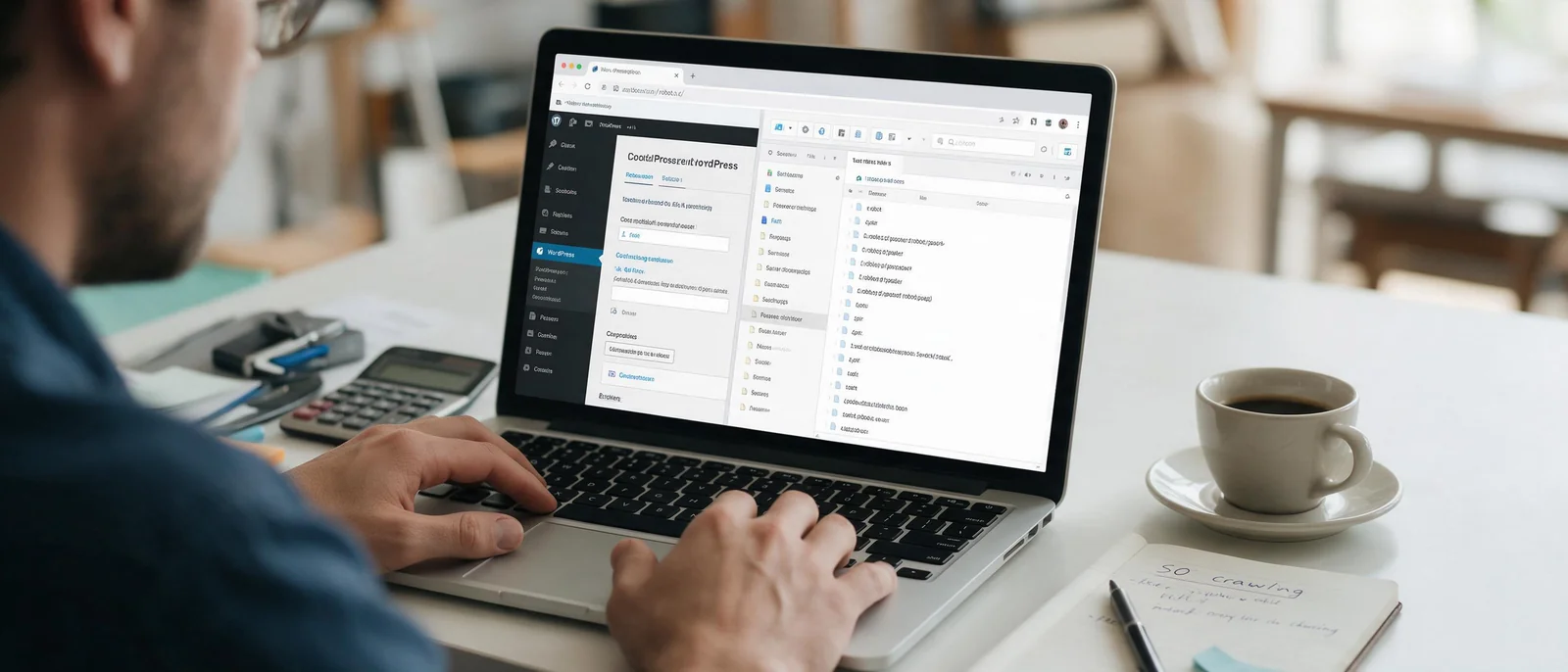
On WordPress, robots.txt can exist in two forms: a virtual version generated by WordPress or plugins, and a physical file you upload to the root directory of your site. Which one applies depends on your setup.
A default WordPress installation can output a virtual robots.txt even if you have not created a file manually. If you visit /robots.txt, WordPress may generate a basic response. Once you place a real robots.txt file in the site's web root, that physical file usually takes precedence.
This distinction matters because many site owners edit rules in an SEO plugin and assume the live file changed, when in fact hosting, caching, or a physical file may be overriding it.
Virtual versus physical robots.txt
A virtual robots.txt is generated by WordPress dynamically. It is convenient, but it is also dependent on how WordPress is configured and what plugins are active.
A physical robots.txt is an actual text file stored in your site's root directory, typically alongside files like wp-config.php or in the public web root managed by your host. This is usually easier to audit because what you upload is what crawlers request.
Here is the practical difference:
| Type | Where it comes from | Best for | Main risk |
|---|---|---|---|
| Virtual robots.txt | WordPress or plugin output | Simple setups | Hidden overrides |
| Physical robots.txt | Server root file | Clear control | Manual deployment errors |
If you are managing many URLs or multiple stakeholders, physical files are often easier to version, review, and revert. That does not make them inherently better for every site, but it reduces ambiguity.
How plugins and hosting affect it
SEO plugins, caching layers, CDN settings, and managed WordPress hosts can all influence what appears at /robots.txt. For example:
- An SEO plugin may let you edit robots.txt from the dashboard.
- A security or performance plugin may cache the output.
- A host or CDN may continue serving an older version after you made a change.
- A deployment process may overwrite a physical file without anyone noticing.
That is why the first step in any audit is to check the live URL directly in a browser and with a crawler, not just the CMS settings.
For teams running content operations at scale, this is the same operational lesson you see elsewhere in SEO: the source of truth is the rendered, publicly available output, not the setting panel you expected to control it.
How crawlers read WordPress robots.txt rules
A wordpress robots.txt file works through line-based directives. The most common are User-agent, Disallow, Allow, and Sitemap. Each has a specific purpose, and support can vary slightly between crawlers.
Most SEO discussions stop at examples, but the important part is how matching actually works. Crawlers try to determine which group of rules applies to them, then they compare requested URLs against the listed paths. The exact interpretation can differ by crawler, but major search engines generally follow predictable patterns for common use cases.
User-agent, Disallow, Allow, Sitemap
Here are the directives you are most likely to see in WordPress contexts:
- User-agent: identifies which crawler a rule group targets, such as
Googlebotor*for all crawlers. - Disallow: tells that crawler not to request matching paths.
- Allow: creates an exception for a more specific path that should still be crawled.
- Sitemap: points crawlers to your XML sitemap location.
A simple example looks like this:
- Block internal search paths from all crawlers.
- Still expose the sitemap.
That is conceptually valid because internal search pages are often low-value for SEO, while the sitemap helps discovery of canonical URLs.
Google supports User-agent, Disallow, Allow, and Sitemap. It has also documented that unsupported directives are generally ignored. That matters because some older robots.txt examples still circulate with directives that major engines do not use the way people assume.
Rule matching and crawler support limits
The rules are not magic. They are pattern matches against paths. In Google's implementation, the most specific matching rule generally wins when Allow and Disallow conflict. Google also supports wildcard matching patterns commonly used in technical SEO, but you should not assume every crawler interprets advanced patterns exactly the same way.
A few practical limits matter:
- Robots.txt works at the path level, not at the page intent level. It cannot understand that one archive page is useful and another is thin unless the URL pattern lets you separate them.
- Not all bots behave well. Reputable search engines generally comply. Scrapers, bad bots, and opportunistic crawlers may ignore the file entirely.
- Blocking can create visibility gaps in audits. If you disallow a path, SEO tools may stop crawling it too, which can hide technical issues from your own diagnostics.
That last point is underappreciated. Sometimes teams block sections too early and then lose the ability to inspect what is happening there with standard crawling tools.
When WordPress robots.txt helps SEO most
WordPress robots.txt is most useful when it reduces low-value crawling without blocking pages that need to be rendered, understood, and ranked. The best candidates are repetitive URLs with little search value, not core content, not templates Google needs for rendering, and not pages you still want indexed.
For most WordPress sites, the strongest SEO use cases fall into three groups: internal site search, some parameter-based duplicates, and certain auto-generated endpoints or feeds that add crawl noise.
Crawl budget and duplicate paths
Crawl budget is often overused as a concept, but it becomes real on larger sites. Google describes crawl budget as a combination of crawl capacity and crawl demand. Small sites with a few hundred pages usually do not need to obsess over it. Larger sites, frequently updated sites, or sites with many low-value URL variants have more reason to care.
WordPress can create that problem in quiet ways:
- Search result URLs from on-site search boxes
- Tag, category, author, and date archives that overlap heavily
- Attachment pages, depending on setup
- Feed URLs
- Comment pagination or reply-related paths
- Tracking or filter parameters created by themes and plugins
Not all of those should be blocked. The point is to inspect whether they absorb crawler activity without contributing useful search landing pages.
For example, internal search results are a common block candidate because Google has explicitly warned that internal search result pages are considered search spam when indexed at scale. If your WordPress site exposes many ?s= URLs, preventing crawling there can be sensible.
Media, search, and parameter URLs
A practical SEO review asks three questions for each URL pattern:
- Can this pattern rank usefully on its own?
- Does it duplicate or thin out a stronger canonical page?
- Does crawling it help search engines understand the site better?
If the answer pattern is “no, yes, no,” robots.txt may be the right lever.
Common examples on WordPress include:
- Internal search URLs: often low-value and endless in combination count.
- Some feed endpoints: useful to users or systems, but rarely valuable as search landing pages.
- Parameter-heavy filter URLs: sometimes needed for users, but poor candidates for broad crawling if they explode URL count.
Be careful with media and asset paths. Years ago, some sites blocked CSS, JavaScript, or image directories to “save crawl budget.” Google has repeatedly advised against blocking resources needed for rendering. If Google cannot fetch assets required to understand layout, content visibility, or mobile friendliness, you can create indexing and quality-evaluation problems.
What robots.txt cannot protect or fix
The biggest misunderstanding about wordpress robots.txt is not what it does. It is what people expect it to do beyond its design. Robots.txt cannot secure content, cannot reliably remove URLs from search on its own, and cannot fix deeper information architecture problems.
That is why technical SEOs treat it as one control among many, not a universal fix.
It does not secure private content
If content must not be publicly accessed, do not rely on robots.txt. Use password protection, application-level authentication, IP restrictions, or server rules. A blocked path can still be requested directly by anyone who knows the URL. Since the file is public, it may even attract attention to sensitive directories.
This matters for WordPress sites using staging paths, downloadable exports, customer uploads, or admin-adjacent tools. In those cases, the correct solution is access control, not crawler guidance.
It cannot reliably remove pages from search
If a URL is already known to Google, blocking it in robots.txt can actually make removal harder because Google may no longer be able to crawl the page and see noindex or updated status signals. For removals, your options usually include:
- Returning a proper
404or410when the page is gone - Allowing crawl access long enough for a
noindexdirective to be seen - Using canonicalization where duplication is the issue
- Using the temporary removal tool in Google Search Console for urgent cases
The right choice depends on whether the page should disappear permanently, merge into another page, or stay live but out of search.
That is one reason content teams should not reach for robots.txt first when cleaning up old WordPress content. If the problem is stale indexing, weak pages, or overlapping articles, you usually need a content and indexation decision, not just a crawl block.
Common WordPress robots.txt mistakes to avoid
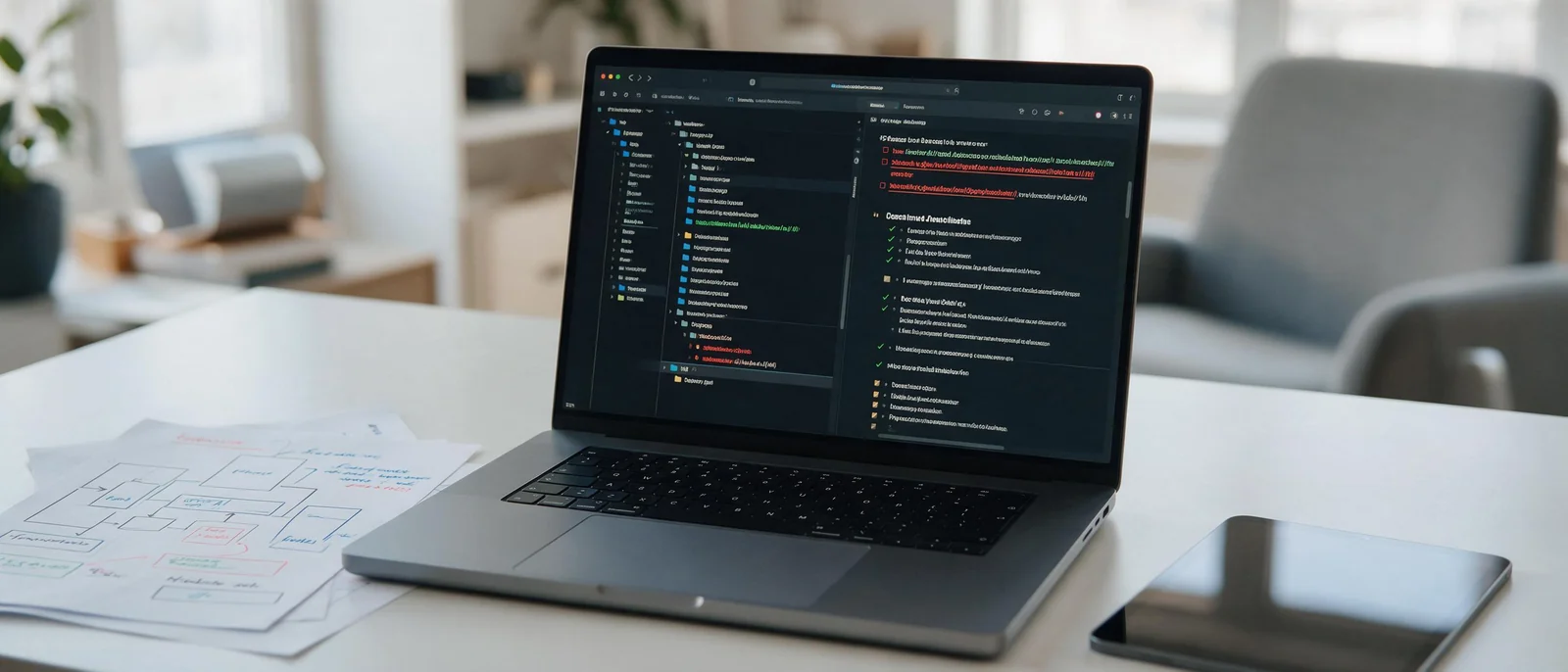
Most robots.txt mistakes on WordPress come from using the file too broadly or copying rules from another site without matching the actual URL patterns on yours. The file is small, but the consequences can be large because one line can block entire sections.
Blocking assets Google needs
One classic mistake is blocking directories that contain CSS, JavaScript, or image resources essential for rendering. Modern search engines need to fetch resources to understand the page as users see it. If you block /wp-content/ or asset subfolders carelessly, you can prevent proper rendering.
That does not mean every asset path must stay open forever. It means you should understand what is in the path before blocking it. WordPress themes, plugins, and media often live under shared directory structures, so blunt blocks are risky.
Using robots.txt instead of noindex
Another common mistake is using robots.txt when the real goal is index control. Here is a quick comparison:
| Goal | Better control | Why |
|---|---|---|
| Reduce crawl waste | robots.txt | Stops compliant crawling |
| Remove page from index | noindex / status code | Search-focused signal |
| Merge duplicates | canonical | Consolidates signals |
| Protect sensitive content | authentication | Actually restricts access |
When teams mix these up, they can create awkward outcomes. A page may stay visible in results without a snippet, or remain discoverable through links even though it is blocked from crawling.
Other avoidable mistakes include:
- Blocking
/wp-admin/without allowing files needed by front-end functionality in custom setups - Leaving old rules after a redesign or migration
- Blocking staging paths on production by mistake, or vice versa
- Adding unsupported directives copied from forums
- Forgetting that a physical file overrides plugin settings
These errors are usually process failures as much as technical failures. The file changed, but nobody rechecked the live response, tested representative URLs, or reviewed the impact in Search Console.
How to review a WordPress robots.txt file safely
The safest way to work with a wordpress robots.txt file is to treat it like a production control with a narrow purpose. Start from real crawl behavior, define the exact URL patterns creating waste, and make the smallest rule set that solves that problem.
For SEO managers handling many URLs, the review process should be repeatable. You do not need a long workflow, but you do need a disciplined one.
Check the live file first
Before changing anything, inspect the live robots.txt response on the public site. Confirm:
- Whether the file is virtual or physical
- Whether the content matches what the CMS or plugin shows
- Whether a sitemap URL is present and correct
- Whether there are broad disallow rules affecting important sections
- Whether old paths from previous migrations still appear
Then compare those rules against actual URL patterns on the site. It is common to find legacy directives blocking paths that no longer exist, while newly generated low-value paths remain unrestricted.
Test changes before publishing
Use a staged review process instead of editing live and hoping for the best.
- Identify the problem pattern: Pull examples of URLs that generate crawl waste, such as internal search or parameter combinations.
- Match the narrowest rule: Write the smallest path pattern that covers the wasteful URLs without touching core pages or assets.
- Test representative URLs: Check both blocked and allowed examples so you catch overblocking early.
- Publish and verify the live file: Confirm the public response changed as expected and was not cached incorrectly.
- Monitor Search Console: Watch for shifts in crawl behavior, indexing, and coverage on affected sections.
This is where operational discipline matters. A robots.txt change is not “done” when the file saves. It is done when the live output is correct and the affected URL group behaves the way you intended.
For teams running ongoing content programs, this logic mirrors content operations too: decide at the URL-pattern level, publish carefully, then measure outcomes instead of assuming the configuration worked.
WordPress robots.txt questions people usually ask
Is bypassing robots.txt illegal?
Not by itself. Robots.txt is a voluntary crawling instruction, not a legal access barrier. Whether bypassing it creates legal risk depends on other factors such as terms of service, authentication, rate abuse, copyright, data use, or anti-hacking laws in the relevant jurisdiction. From a technical standpoint, well-behaved search engines usually respect robots.txt, but malicious or aggressive bots may ignore it. If content truly must not be accessed, rely on authentication or server restrictions rather than robots.txt.
Is robots.txt good for SEO?
Yes, when you use it for the right job. Robots.txt can improve SEO indirectly by reducing crawler attention on low-value WordPress URL patterns and helping search engines focus on pages that matter. It is not universally “good” if used carelessly, though. Blocking assets, canonical pages, or sections that should be crawled can damage rendering, discovery, and diagnostics. Think of it as a precision tool for crawl control, not a default SEO upgrade.
Does robots.txt still work?
Yes. Robots.txt still works and remains part of standard crawler behavior for major search engines. The modern limitation is the same as the old one: it only governs compliant crawling. It does not force deindexing, stop all bots, or secure content. The IETF formalized the Robots Exclusion Protocol in RFC 9309, and Google, Bing, and other mainstream engines still support the core directives used in everyday SEO.
Where is the robots.txt file?
On a WordPress site, the live file is usually available at https://yourdomain.com/robots.txt. Behind that URL, it may be a virtual file generated by WordPress or a physical file stored in the site's web root. If you edit it in a plugin, confirm that the public URL reflects those edits. If not, a physical file, host configuration, cache, or CDN may be overriding the version you expected.
A good robots.txt file is usually short. If your WordPress setup has dozens of rules, treat that as a reason to audit the URL structure rather than a sign of advanced SEO. In most cases, the best outcome is a small set of justified crawl controls, clear sitemap discovery, and no surprises in production.
If you are scaling SEO content across many WordPress URLs, the broader lesson is operational: page growth works best when technical controls, publishing, and measurement stay connected. That is the same problem Rankow is built to solve across planning, writing, publishing, and post-publication feedback, so your content workflow does not break between insight and execution.